Apple's New Siri AI Arrives in Public Beta: What It Can Actually Do
iOS 27 brings a rebuilt Siri that reads your screen, digs through your texts, and lives inside every corner of your iPhone. We spent time with it. Here is what you get.
Key points
- Apple released the iOS 27 public beta, the first version of its rebuilt Siri AI available to ordinary iPhone owners, in 2025.
- The new Siri ships with a standalone chatbot-style app that logs your conversation history and lets you pick up old threads.
- Siri AI indexes your on-device data, including texts, calendars and emails, to answer personal questions without sending that data to outside services.
- Apple hardware from the iPhone 15 and later supports the upgrade; older models are locked out.
- Users must join a Siri waitlist inside Settings even after downloading the beta.
Apple spent years promising a smarter Siri. The public beta of iOS 27, the latest version of iPhone software, is where that promise finally meets real users.
Wired AI first reported hands-on impressions of the developer-only builds. Now, anyone willing to sign up for Apple's beta testing programme can try "Siri AI," the company's ground-up rewrite of its voice assistant. Think of a voice assistant as software you talk to rather than type at. Apple's original Siri launched in 2011 and spent years feeling like a party trick that rarely worked at the party.
This version feels different.
A new app, a new habit
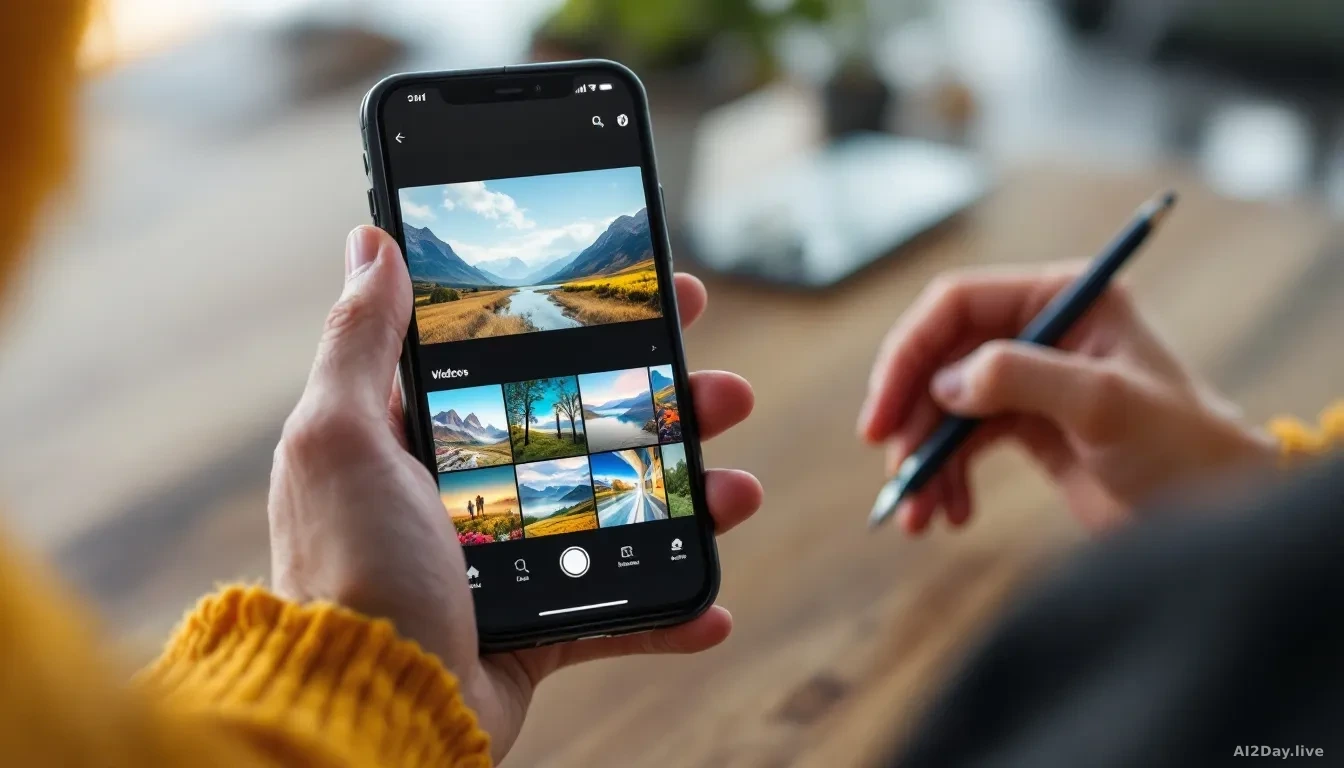
The biggest visible change is a dedicated Siri app that works like a chat log. You can scroll back through past conversations, restart old threads, or just type a question fresh. If you have ever used ChatGPT or Claude, the interface will look familiar inside about ten seconds.
One gap: Siri AI does not yet remember personal details between sessions. Other chatbots store that kind of preference automatically. So if you are vegan and want recipe help, you will need to say so every single time. Apple is expected to add memory features in future updates.
You control how long Siri keeps your chats. Go to Settings, find Siri AI, tap Keep Conversations, and choose forever, one year, or 30 days. Shorter setting? Older chats get deleted.
Your phone becomes the context
Here is where Siri AI separates itself from a plain chatbot. During an indexing process, where your iPhone quietly builds a searchable private database of your own content, Siri gains access to your texts, calendar events and app activity. The phone labels this "Optimising Search and Siri" and shows a progress bar. Expect it to take roughly a week.
Once complete, the results are genuinely useful. Ask Siri what you have on this week, and it will pull a delivery notification from your texts, flag a birthday party from your calendar, and mention the film your friends were discussing in a group chat. None of that data leaves your device.
You can block specific apps from contributing. Settings, then Siri AI, then App Access. Toggle off any app you prefer Siri ignores.
Reading your screen in real time
Siri can also see whatever is currently on your display. Scrolling a social media post and want to check a claim? Ask Siri about it without explaining the context. It reads the screen itself. A camera tab inside the iPhone camera app lets Siri analyse whatever your lens points at and return a short written summary.
Nabila Popal, senior research director at market research firm International Data Corporation, puts it plainly: "They've integrated it across the entire ecosystem, so you can access Siri AI no matter where you are on the device."
Should ordinary iPhone owners bother upgrading?
Yes, if your iPhone is a 15 or newer and you do not mind beta software occasionally behaving oddly. Back up your phone first, join the Apple Beta Software Programme, then join the in-app Siri waitlist. If your device is older than an iPhone 15, the feature is not available yet.
The new Siri will not change everything overnight. But users who never touched the old version may find a few shortcuts that genuinely stick.