Google Images Gets a Pinterest-Style Makeover, and Now It Can Generate Pictures Too
A new 'For You' gallery, saveable collections, and built-in AI image creation are coming to Google Images over the next few weeks.

Key points
- Google is redesigning Google Images with a scrollable, personalised gallery called "For You", rolling out in the U.S. on desktop over the coming weeks.
- Users can save images into named collections, similar to Pinterest boards, but must be signed into a Google Account to access the features.
- Google is adding AI image generation directly inside AI Overviews, the summary boxes that appear at the top of Search results, using its Imagen 3 Nano model.
- The image-generation feature will roll out in English across all regions that already support image creation in AI Mode.
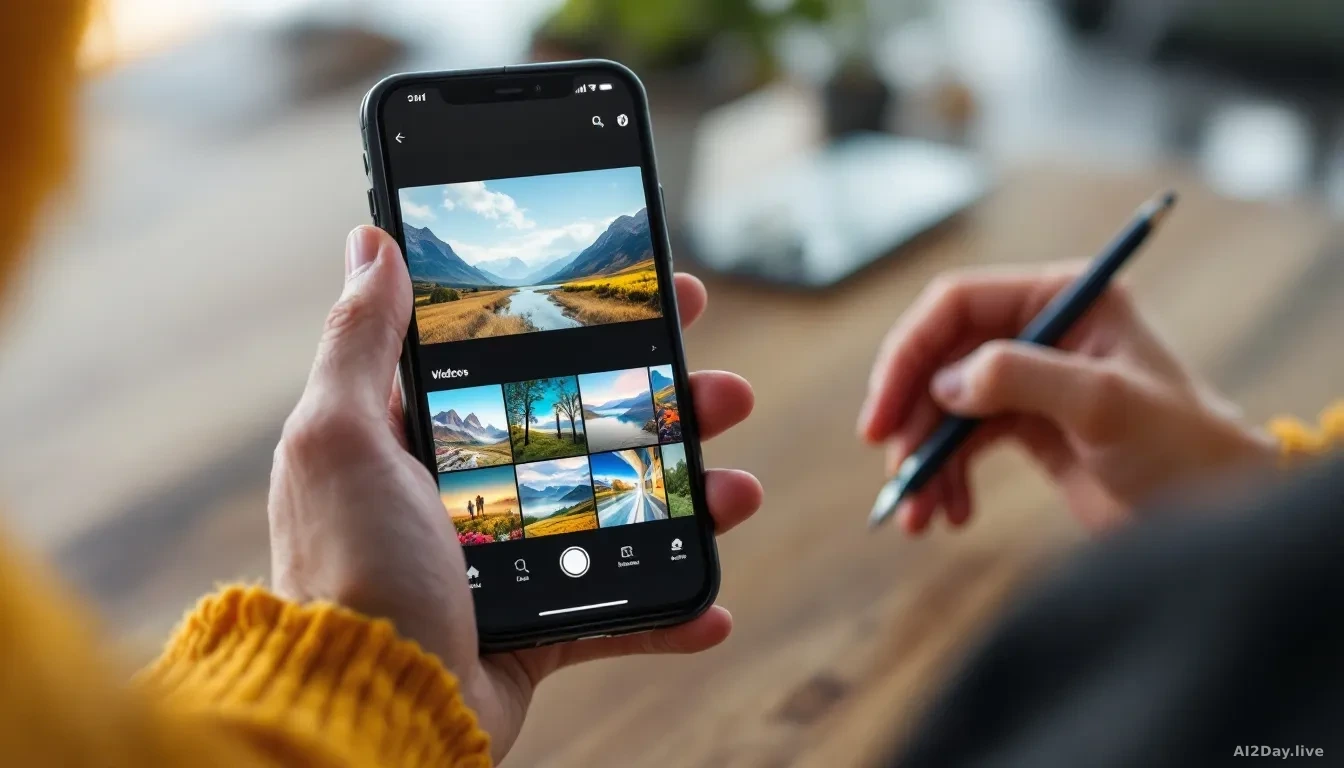
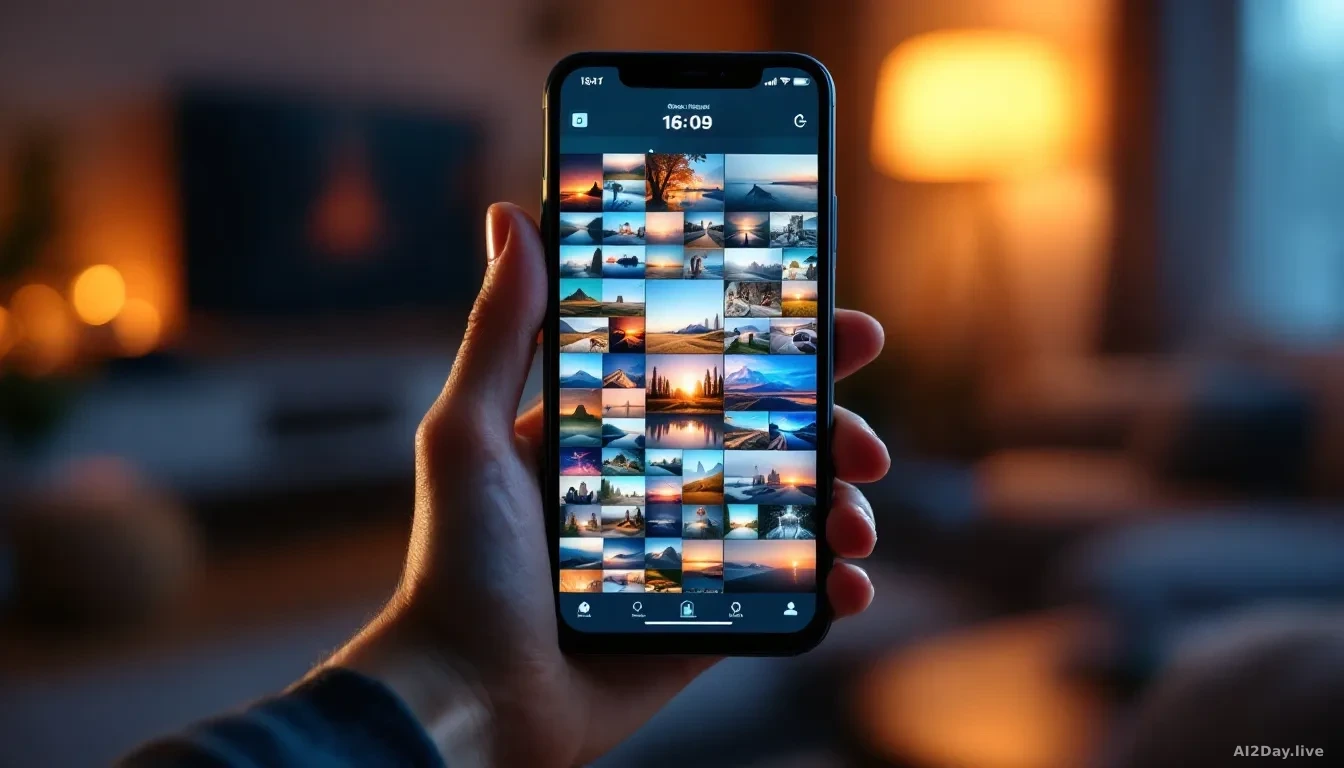
Google Images turned 25 this year, and to mark the occasion Google is giving it a redesign that looks a lot like Pinterest. Instead of just typing a search and scrolling through results, you will now land on a "For You" gallery, a continuous feed of images picked to match your interests and past browsing. Think of it as a mood board that updates itself.
As you browse, you can save anything you like into collections, which work like folders or boards. One collection for holiday outfit ideas, another for living-room inspiration. Google says the feed refreshes in real time, so there is always something new to look at.
The redesign is free to use, but you do need to be logged into a Google Account. That is worth knowing upfront, because it means Google is linking your image browsing to your personal profile.
On the privacy side: the personalised feed works by reading your interests and browsing history. If that feels like more data than you want Google holding, you can manage your activity in your Google Account settings under "My Activity". No new permissions pop up, it just uses what Google already knows about you.
The gallery update starts rolling out on desktop in the U.S. in English over the next few weeks.
The second change is arguably bigger. Google is adding image generation, the ability to type a description and get a custom picture back, directly into AI Overviews. AI Overviews are those AI-written summary boxes that already appear at the top of many Google Search results pages.
Want to see what your bedroom would look like painted sage green? Or picture a coastal-themed dorm room before you buy a single throw pillow? Type the idea, and Google will build the image on the spot using Imagen 3 Nano, its latest image-creation model.
This matters because until now most people went to a separate tool, like ChatGPT or Adobe Firefly, to generate a custom image. Google is betting that if the option is already sitting inside Search, most people simply will not bother switching apps.
TechCrunch AI first reported the details of the rollout. Image generation in AI Overviews starts in English for all regions that currently support AI Mode, also over the coming weeks.
Both features are free at launch, which makes them worth a try the next time you are planning a holiday wardrobe or redecorating a room.