Google Images turns 25, and now it will draw pictures for you
A quarter-century after J.Lo's green dress broke search, Google is baking its Nano Banana image generator straight into results.
Key points
- Google Images launched in July 2001 and turns 25 this week, according to Google.
- Google is adding image generation to AI Overviews in Search, powered by its Nano Banana model, rolling out in English over the coming weeks.
- A new browsable Google Images homepage will roll out in the coming weeks on desktop in the United States, in English.
- Circle to Search, launched in 2024, now runs on more than 580 million Android devices worldwide.
- Google says a technique called visual image fan-out breaks one picture into dozens of smaller questions to understand the full scene.
Google Images is 25 years old this week. To mark it, Google is changing two things about how you search with pictures.
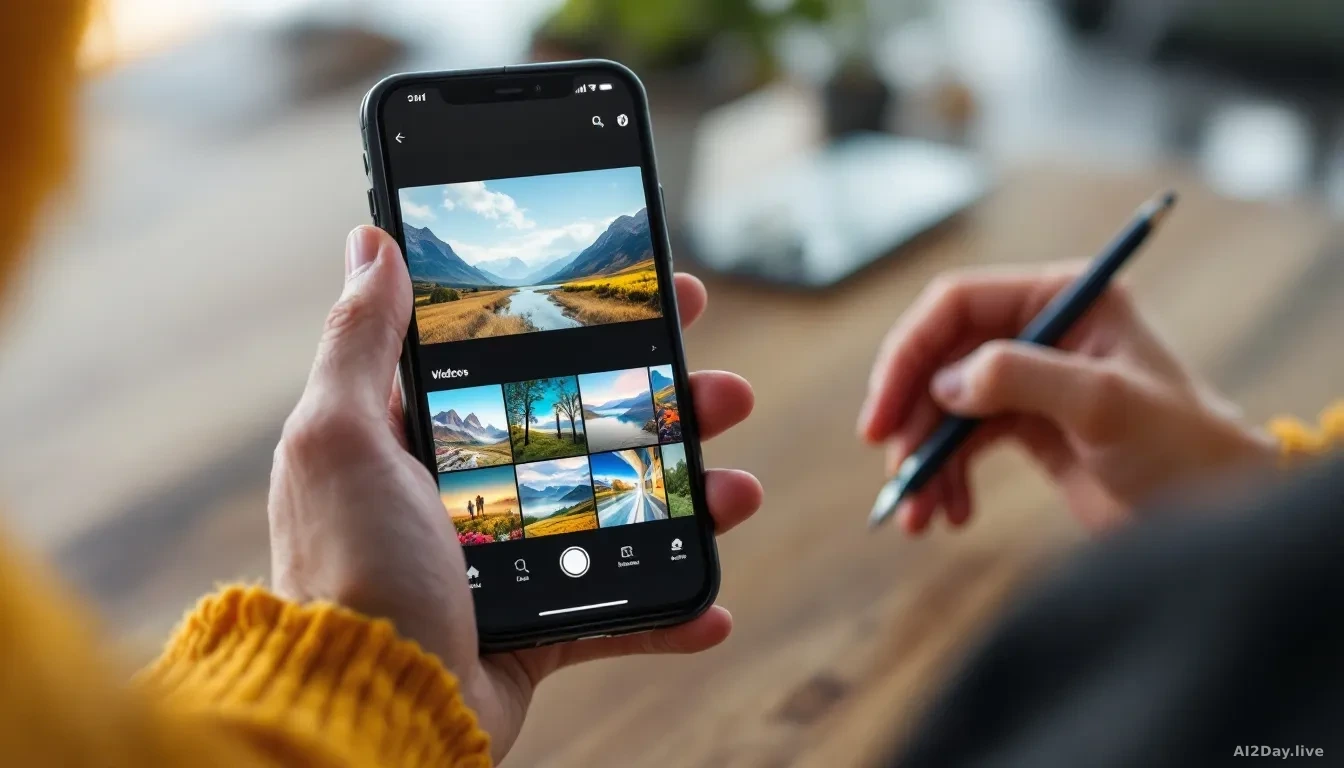
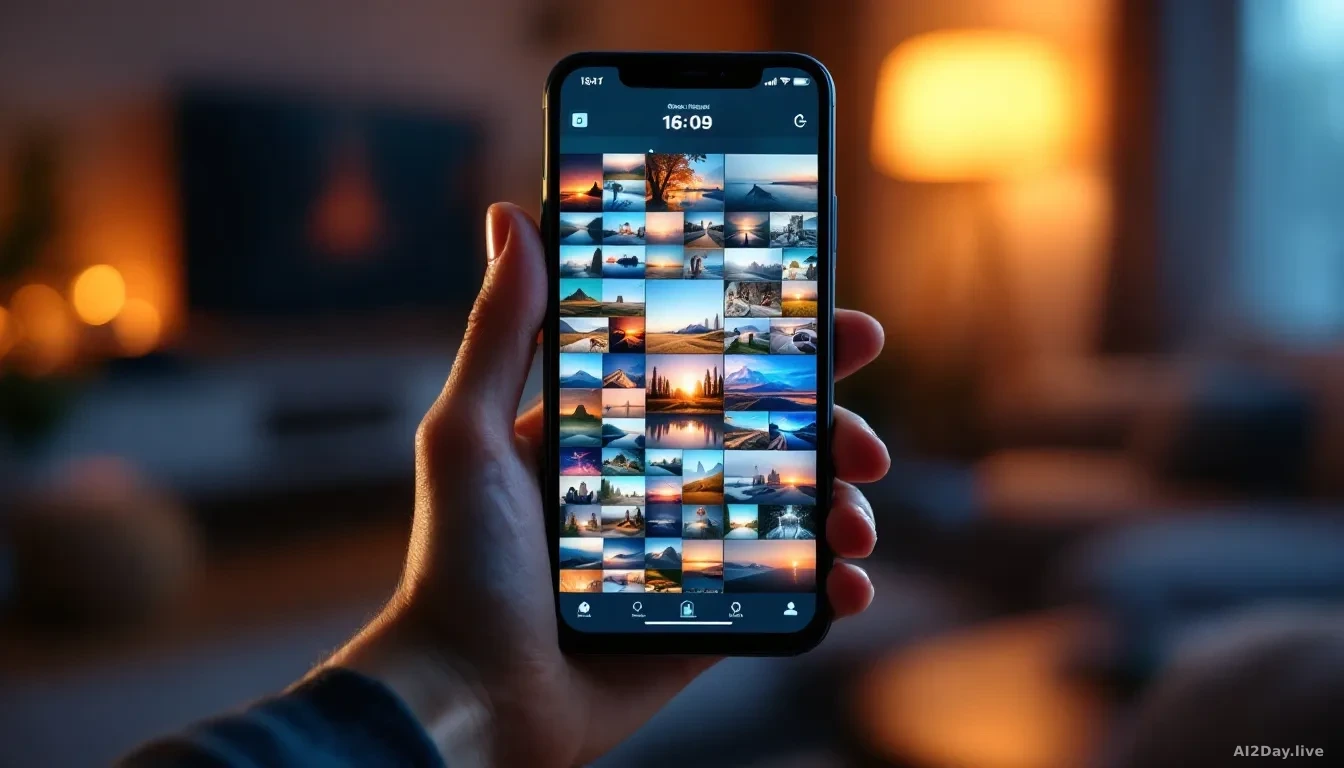
First, the Google Images page itself is getting a redesign. Instead of a blank search box waiting for words, you will land on a live gallery of pictures pulled from across the web and tuned to what you tend to click on. Save an image to a collection and it becomes a tab across the top, so you can pick up where you left off. It rolls out over the coming weeks on desktop in the United States, in English, for people signed into a Google Account.
Second, and more interesting: Search will now draw pictures for you.
Google is putting image generation directly inside AI Overviews, the AI-written summaries that appear at the top of many search results. The engine doing the drawing is called Nano Banana, Google's latest image model, the kind of software that turns a sentence of text into a brand new picture. Type a description, get a custom image made from scratch, without leaving the results page. It will start appearing in the coming weeks in English, in every region where Google already offers image creation in AI Mode.
That is the news. The rest of the announcement from Google is a walk through how visual search got here, and it is a useful reminder of how much has changed.
Why does any of this matter for a normal search?
Because searching with a picture is now often faster than searching with words, and Google is quietly making the camera the main input.
Google Images itself was born from a fashion moment. In 2000, Jennifer Lopez wore a green Versace dress to the Grammys, and Google noticed that a wall of blue text links could not answer what people actually wanted, which was to see the dress. Google Images launched in July 2001.
Then the tools got smarter in steps.
In 2009, Similar Images let you click a picture instead of retyping your query. In 2011, Search by Image let you drop a photo into the search bar and ask the web where it came from. In 2018, Google Lens turned the phone camera into a search box, so you could point it at a plant, a receipt or a foreign menu and get an answer.
Multisearch arrived in 2022. Snap a photo of a dining table, add the words "coffee table," and get a matching piece. Circle to Search followed in 2024, letting Android users draw a loop around anything on their screen to look it up without switching apps. Google says it now runs on more than 580 million Android phones.
The 2025 wave leaned harder on AI. Lens was wired into AI Mode so Search can reason about a whole scene, not just spot an object. Google calls the trick visual image fan-out: one image gets split into dozens of smaller questions behind the scenes. Search Live added a video call style feature where you share your camera feed and talk to Search about what it sees, handy for a stuck dishwasher or a recipe going sideways.
Coming in 2026: Circle to Search will recognise multiple objects in one picture at the same time, so you can price out a whole outfit in one gesture. A new intelligent search box will let you upload several images at once and ask questions about them together.
The short version for anyone who just wants to find things: you will type less, point your camera more, and sometimes Search will draw the answer instead of finding it.